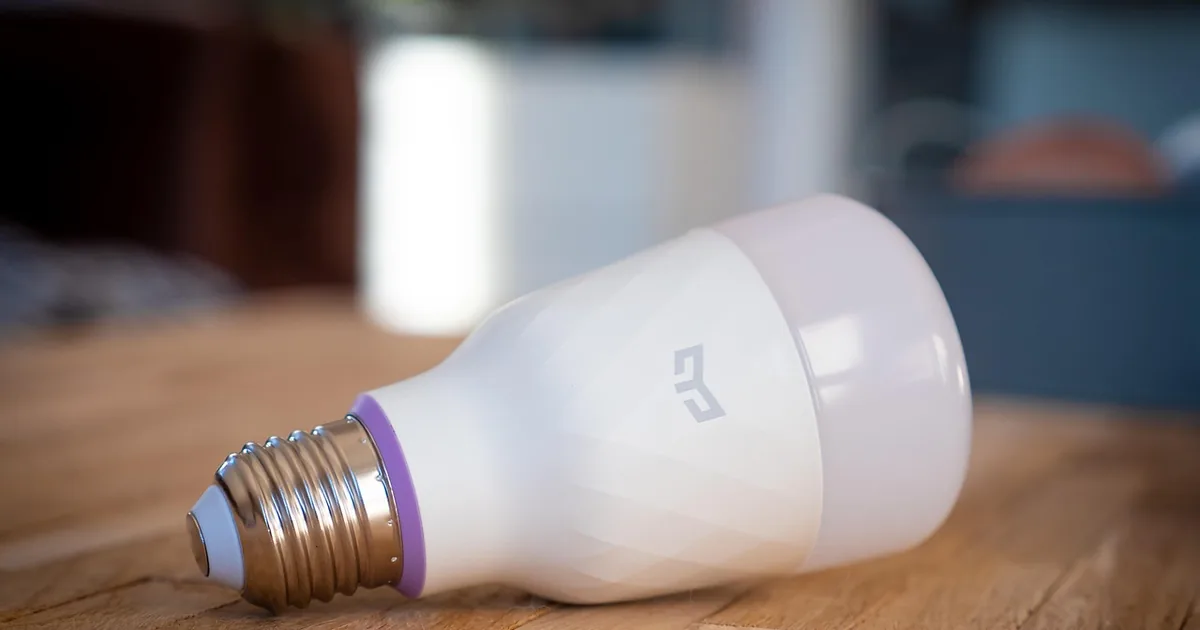
Govee makes smart LED lighting — strip lights, TV backlights, floor lamps, wall panels, string lights and permanent outdoor lights — plus smart home gadgets like thermometers and humidifiers. Govee lights are known for strong colour effects at reasonable prices.
Govee orders go well when you choose the right lighting type, the right control method and the right length for the space.
RGBIC versus RGB
This is the key Govee spec. A plain RGB strip shows one colour at a time along its whole length.
An RGBIC strip has independently controlled segments, so it can show several colours at once, rainbow effects and chasing patterns.
If you want lighting that moves or reacts to music, choose RGBIC. If you just want a steady colour or warm white, plain RGB is cheaper and fine.
Some Govee products also add dedicated white LEDs, usually shown as RGBWW or similar. These give much better whites than mixing red, green and blue.
Wi-Fi, Bluetooth and Matter
Cheaper Govee lights may be Bluetooth-only. They work from the Govee Home app when your phone is nearby, but you cannot control them away from home, and voice assistants usually will not work.
Wi-Fi Govee lights work remotely and with Alexa and Google Assistant. Most Govee Wi-Fi devices connect on 2.4GHz only. If your router combines 2.4GHz and 5GHz under one name, setup can fail; separating them temporarily usually fixes it.
Newer Govee products support Matter, which lets them work with Apple Home and other Matter platforms. Check the product page for Matter support if that is your system.
Measuring and fitting Govee strips
Measure the run before choosing length. Go slightly longer rather than shorter.
Govee strips can usually be cut at marked points, but the cut-off part will not work on its own. Check the cutting rules on the specific model.
The adhesive sticks best to clean, smooth, dry surfaces. Wipe with rubbing alcohol first. On textured walls or heat sources, add clips.
Plan where the power supply and controller will sit, and that there is a socket nearby.
Govee TV backlights
Govee TV backlights sit on the back of the screen and extend its colours onto the wall.
Some Govee kits use a small camera on top of the TV to read the picture; others sync via an HDMI box that reads the signal directly. The HDMI versions tend to be more accurate but check they support your resolution and HDR format.
Choose the kit by TV size. Govee lists the supported screen range for each kit.
For gaming PCs, some Govee products sync with the screen through desktop software instead.
Wall panels, lamps and outdoor lights
Govee wall panels and light bars are decorative first. Plan the layout in the app before sticking them to the wall.
Govee floor lamps work well in corners, with RGBIC effects and warm white modes.
For outdoor use, check the waterproof rating. Govee permanent outdoor lights are installed under eaves and stay up all year, so measure the roof line carefully.
Music sync, scenes and the Govee Home app
Most Govee setup happens in the Govee Home app. It holds the preset scenes, colour controls, timers and schedules for every Govee device on your account.
Music sync works two ways. Some Govee lights have a microphone in the controller and react to sound in the room. Others use your phone's microphone through the app, which stops when the phone leaves or the app closes. If you want lights that follow music all evening, look for a built-in mic in the Govee listing.
Groups let several Govee devices change together, such as a strip and a floor lamp in the same room. Check each device supports grouping; Bluetooth-only Govee models can be more limited.
Schedules are the underrated feature. Setting a Govee strip to fade to warm white in the evening makes it useful lighting, not just a party trick.
Extending and powering Govee strips
Govee strips are generally not designed to have a second strip joined onto the end. Longer Govee kits often come as two rolls running from one controller in the middle.
If you need to reach further, buy the longer Govee kit rather than adding a second one. Two separate kits each need their own socket, though the app can group them. Check the listing for the exact wiring layout before you plan the run.
Where the Govee savings are
Govee codes are mostly 10% off:
These Govee codes are all 10%, so the value is in finding one that works on your items. Try each; some may be restricted to certain products.
Govee runs frequent sales on its own site and elsewhere. A code on top of a Govee sale price is the best combination if the site allows it.
Govee bundles can save money if you need several items, such as lights for two rooms. Compare the bundle with separate items plus a code.
The deepest Govee discounts tend to come around Black Friday and the holidays, when lighting demand peaks.
Common questions
Why won't my Govee light connect to Wi-Fi?
Most Govee lights need 2.4GHz Wi-Fi. Make sure your phone is on the 2.4GHz network during setup.
Can I cut a Govee LED strip?
At marked points on many models. The cut-off piece will not work alone.
Does Govee work with Apple Home?
Matter-enabled Govee products do. Check the product page.
Does Govee music mode need my phone?
Only on lights without a built-in mic. Check the Govee listing for a microphone in the controller.
| Discount | Type | Get the deal |
|---|---|---|
| 10% off | Promo code | View at Govee → |
| 10% off | Promo code | View at Govee → |
| 10% off | Promo code | View at Govee → |
| 10% off | Promo code | View at Govee → |