Headphones.com is a specialist audio retailer that sells audiophile headphones, IEMs, amplifiers and DACs from brands such as Sennheiser, HiFiMAN, Focal, Audeze and Moondrop. It also publishes reviews and measurements through its own content team.
A Headphones.com order goes well when you choose the right headphone type for where you listen, match it to a suitable amp or DAC, and use the right code.
Open-back or closed-back
Open-back headphones at Headphones.com, such as the Sennheiser HD 600 series, give a wide, natural sound. They leak sound and let outside noise in.
Closed-back models isolate better, which suits offices and commutes. Their sound is often more intimate.
If you listen at home in a quiet room, open-back is usually the better choice. For shared spaces, pick closed-back.
Planar magnetic or dynamic
Planar magnetic headphones from HiFiMAN and Audeze are known for tight bass and low distortion. They are often heavier.
Dynamic driver models are lighter and often easier to drive. Many classic Headphones.com favourites use dynamic drivers.
Weight matters for long sessions. Check the listed weight before buying a planar.
Do you need an amp or DAC
Some headphones need more power than a phone or laptop provides. Headphones.com lists impedance and sensitivity on product pages.
High-impedance or low-sensitivity models benefit from a dedicated amp. A DAC improves the digital source.
Headphones.com sells combined DAC/amp units, which are the simplest option for a desk setup.
IEMs
In-ear monitors from brands such as Moondrop and Truthear are sold at Headphones.com across a wide price range. Fit matters more than specs.
Try different ear tips to get a seal. A poor seal loses bass.
Returns and trying gear
Headphones.com has a return policy for items that do not suit you. Check the current window and condition rules before opening the box.
Keep all packaging until you are sure you will keep an item.
Reading Headphones.com reviews and measurements
Headphones.com publishes reviews and frequency response measurements for many of the products it sells. These help you compare two models before buying.
Measurements show tonal balance, not comfort or build. Read the written review for fit, clamp and materials.
Headphones.com also runs a YouTube channel and blog. They are useful for comparing popular models side by side.
Budget tiers at Headphones.com
Headphones.com stocks entry models and flagships from Focal, Audeze and HiFiMAN that cost thousands. Performance gains shrink at the top.
Many listeners are happy with a well-reviewed mid-range model and a modest DAC/amp. Spend on the headphone first and the source second.
Set a budget for the whole system before you start. It stops the amp eating into the headphone budget.
Cables, pads and accessories
Headphones.com sells replacement pads, cables and adapters. New pads can refresh an older headphone.
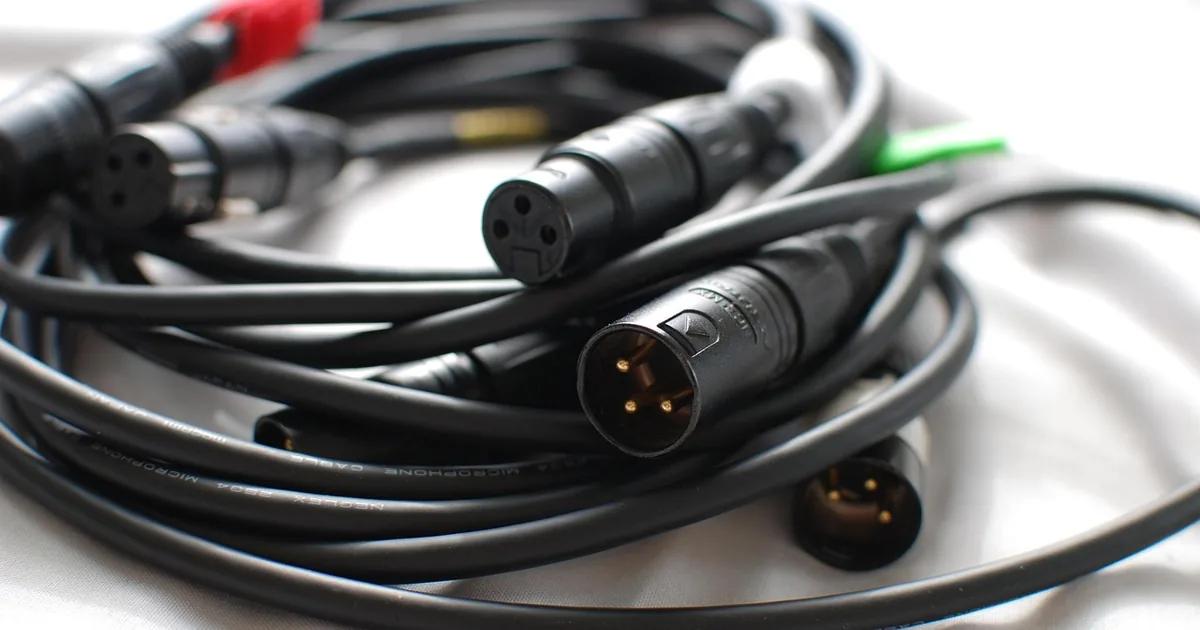
Check the connector type before buying a cable. Headphone manufacturers use different plugs.
Balanced cables need a balanced output on your amp. Check your amp before buying one.
Warranty and open-box stock
Headphones.com is an authorised dealer for many brands, so manufacturer warranty usually applies. Keep your Headphones.com invoice.
Headphones.com sometimes sells open-box or B-stock items at lower prices. Check the condition notes and warranty.
Sale items may be excluded from codes. Compare the sale price with a code on a full-price item.
Building a first Headphones.com setup
A first desktop setup from Headphones.com often pairs a well-reviewed open-back headphone with a small DAC/amp. That covers most computers and phones.
If you listen mainly on a phone, start with an IEM or a closed-back headphone that is easy to drive. You can add a portable DAC dongle later.
Headphones.com staff answer questions by email and chat. Ask them about pairing before buying an amp you might not need.
Give a new headphone a few days before judging it. Your ears adjust to a new sound signature.
Where the Headphones.com savings are
The 30% off code is the strongest here. Try it first on headphones and amps.
The 20% off code is the fallback. Some brands may be excluded from discounts, so check at checkout.
The $10 off code suits small orders such as ear tips or cables. On a basket over $50, the 20% code saves more.
If you are buying a headphone and a DAC/amp together, put both in one Headphones.com basket. A percentage code then applies to the full system.
Flagship brands are the most likely to be excluded. Try the code before you settle on a model, since it may change which one is the better deal.
Common questions
Does Headphones.com ship internationally?
Check the shipping page for current destinations and fees.
Do Headphones.com codes work on all brands?
Some brands may be excluded. The checkout will show whether a code applies.
Do I need an amp for my new headphones?
It depends on impedance and sensitivity. Headphones.com product pages list both.
| Discount | Type | Get the deal |
|---|---|---|
| 20% off | Promo code | View at Headphones.com → |
| Free shipping | Promo code | View at Headphones.com → |
| save on | Promo code | View at Headphones.com → |
| 10% off | Online deal | View at Headphones.com → |