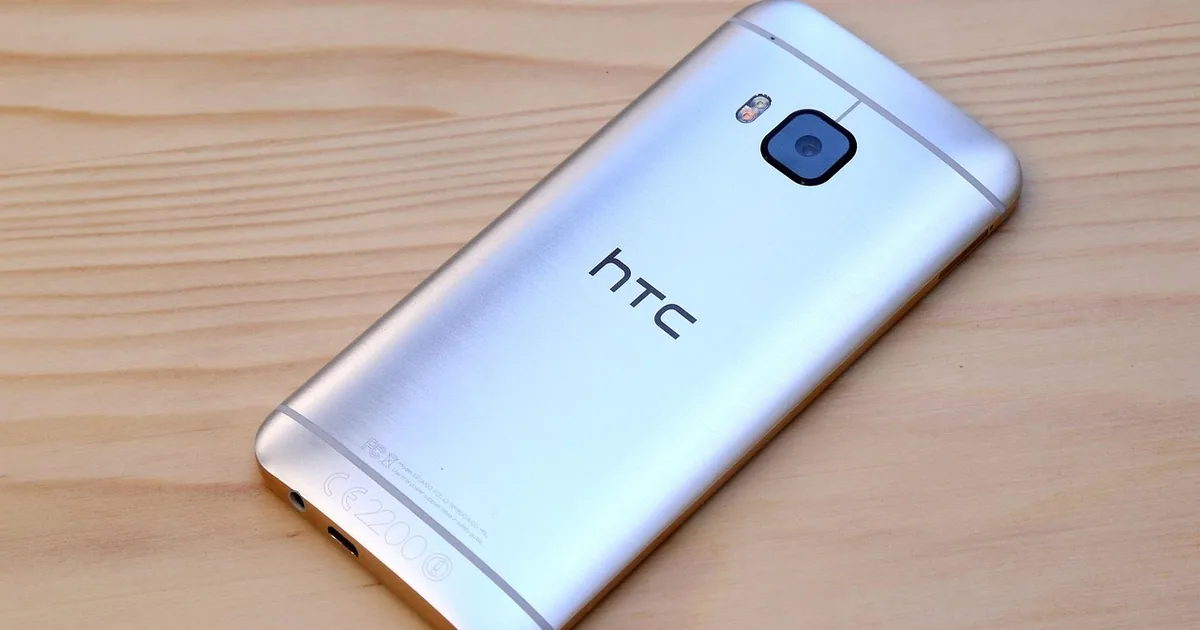
HTC's online store now centres on VIVE virtual and mixed reality hardware: standalone headsets, PC VR headsets, trackers, controllers and accessories, alongside the Viveport app store. HTC still makes phones, but in the US the site is mainly a VIVE shop, and phone availability depends on your region.
An HTC order goes well when the headset matches how you will actually use it, your PC can drive it if it needs one, and you buy the right tracking hardware the first time. Those are the decisions covered below.
Standalone, PC VR or both
The VIVE XR Elite and VIVE Focus Vision run on their own, with the processor built into the headset. Both can also connect to a gaming PC to play SteamVR titles, which makes them the flexible choice for most HTC buyers.
The VIVE Pro 2 is a PC-only headset built for high resolution. It needs a capable PC every time you play and uses external tracking, so it suits a fixed play space rather than a headset you carry between rooms.
If you mainly want fitness apps, travel or seated media, a standalone HTC headset avoids the cable and the PC. If you mainly play demanding PC VR games, the Pro 2 or a PC-connected Focus Vision makes more sense.
Checking your PC before you buy
HTC lists minimum and recommended PC specs on each VIVE product page, covering the graphics card, processor and ports. Compare them with your own machine before checkout rather than after the box arrives.
Port type matters as much as raw power. The VIVE Pro 2 relies on DisplayPort, and some laptops route their graphics output in ways that do not work with a tethered headset.
For wireless PC streaming, your router matters too. A strong Wi-Fi signal close to the play area makes streaming from the PC to an HTC headset much smoother.
Base stations, controllers and full kits
The VIVE Pro 2 is sold both as a headset on its own and as a full kit with SteamVR base stations and controllers. Buy the headset-only version only if you already own compatible base stations and controllers from an earlier VIVE or another SteamVR setup.
The standalone headsets use inside-out tracking with cameras on the headset, so there are no base stations to mount. Check which controllers come in the box and whether the listing includes any PC connection accessories.
Before ordering a full kit, measure the room. Base stations need mounting spots high up with a clear view of the play area.
VIVE trackers and accessories
HTC sells VIVE trackers for full-body tracking and for bringing real objects into a VR scene. The VIVE Tracker 3.0 works with base stations, while the VIVE Ultimate Tracker uses its own cameras and does not need them.
Check that the game or app you care about supports trackers before buying several. Full-body tracking is popular in social VR, but many games ignore it entirely.
Face cushions, straps, batteries and carrying cases are sold per model. Accessories built for one VIVE headset rarely fit another, so filter the HTC store by your exact model.
Consumer and business editions
Several VIVE headsets come in consumer and business versions with different warranty terms, software licences and support. The VIVE Focus 3 is aimed mainly at business and training use.
A business edition can cost more for very similar hardware. Buy it only if you need the enterprise features or device management that HTC lists for it.
Check the warranty length for your region on the product page. It can differ between editions and between countries.
Where the HTC savings are
The $100 code beats the 10% code on any basket under $1,000, and it beats the 20% code on anything under $500. On a VIVE Pro 2 full kit or another high-priced HTC bundle, the 20% code is worth more, so try it first.
For trackers, straps and other small accessories, a percentage code is the likelier fit, since a $100 code may carry a minimum spend. Check at checkout.
Several older HTC codes name specific phones, such as the U11, and are unlikely to help with VIVE gear. The three above do not name a product, so they are the better bets, but confirm the total at checkout.
HTC sometimes runs headset bundles with games or accessories during sales. Compare the bundle price after a code with the plain headset price before choosing.
Common questions
Do I need a gaming PC for an HTC VIVE headset?
Not for the VIVE XR Elite or VIVE Focus Vision, which run standalone. The VIVE Pro 2 needs one.
What is Viveport Infinity?
It is HTC's subscription for a rotating library of VR apps and games. Check the current titles, price and renewal terms before subscribing.
Does HTC still sell phones?
HTC still releases phones in some markets in Europe and Asia. The US HTC site focuses on VIVE hardware, so check your regional site.
Can I use my old base stations with the VIVE Pro 2?
Often yes, since it works with SteamVR base stations. Check HTC's compatibility notes for your base station version.
| Discount | Type | Get the deal |
|---|---|---|
| 10% off | Promo code | View at Htc → |
| 10% off | Promo code | View at Htc → |
| Free 2 Day Shipping | Promo code | View at Htc → |
| $100 off | Promo code | View at Htc → |