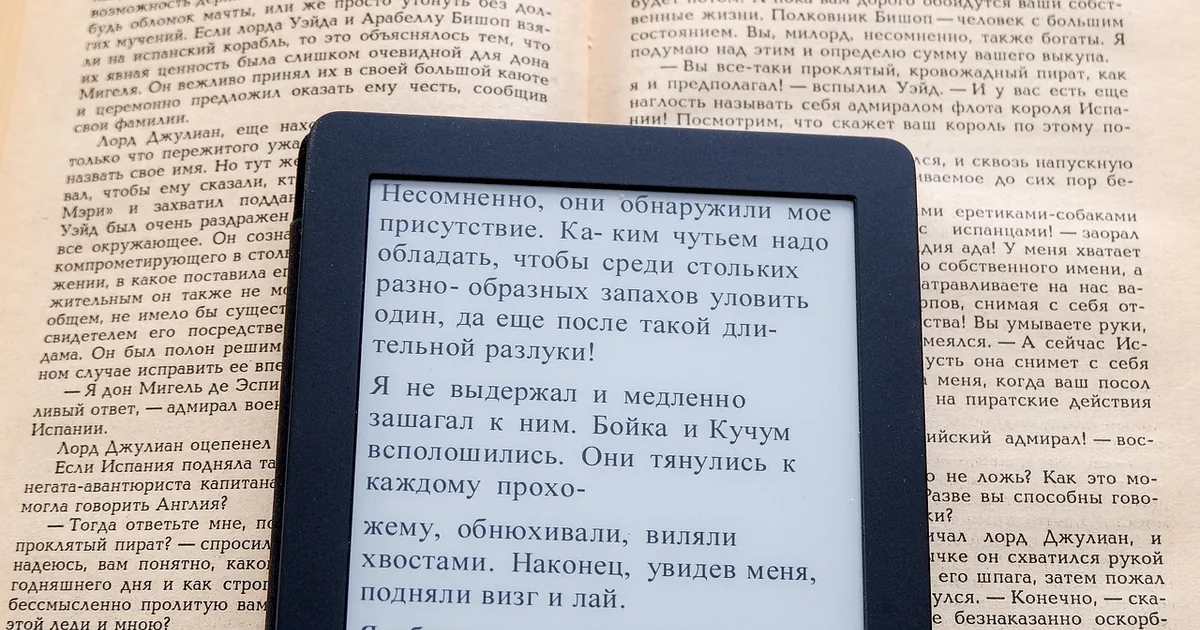
Kindle is Amazon's e-reader line, sold through kindle.com, which lands you on the Kindle section of Amazon. The range is small but the differences matter: screen size, waterproofing, warm light, pen support and whether you accept lock-screen ads. A Kindle bought for the wrong reading habit sits in a drawer; the right one gets used for years.
Decide how and where you read before comparing prices.
The Kindle models, in plain terms
Kindle (basic) is the small, light, cheapest reader. It has a front light and a sharp screen, but no waterproofing and no warm light. It suits commuters and anyone who reads mostly indoors.
Kindle Paperwhite is the one most people should buy. A larger screen, an adjustable warm light for evening reading, waterproofing for the bath and the beach, and longer battery life. The Signature Edition adds more storage, wireless charging and an auto-adjusting light.
Kindle Scribe is the big-screen Kindle with a pen. It is for people who want to write notes, mark up documents and read PDFs at a usable size. As a pure novel reader it is heavier and dearer than it needs to be.
Kindle Kids is a basic or Paperwhite Kindle bundled with a cover, a longer warranty and a period of the Amazon Kids+ subscription. The bundle is often good value even for an adult who wanted a cover anyway.
Amazon has also sold a colour Kindle. Colour e-ink is muted compared with a tablet, so it is for comics, cookbooks and highlighting, not for making novels look different.
Ads or no ads
Most Kindle models are sold in two versions: with lock-screen ads at a lower price, or without at a higher one. The ads appear on the sleep screen and at the bottom of the home screen; they never interrupt a book.
If the difference is small, buying the ad-free Kindle is cleaner and saves the bother later. If money is tight, buy with ads; Amazon has generally allowed the ads to be removed afterwards by paying the difference, so it is not a permanent decision.
Storage: 16GB is plenty for books
A novel is a fraction of a megabyte. The base storage on any current Kindle holds thousands of books, and Amazon keeps your library in the cloud to redownload anyway.
The higher-storage Kindle versions only matter if you load audiobooks through Bluetooth headphones, keep a large PDF or comic collection, or fill a Kindle Scribe with notebooks. For a novel reader, pay for the better screen, not the storage.
Kindle Unlimited and how books get onto the device
Kindle Unlimited is a monthly subscription that lets you borrow from a large catalogue of ebooks, plus some audiobooks and magazines. It is not everything on the Kindle store; big new releases from major publishers are often absent. Before subscribing, search a few books you actually want to read and check for the Kindle Unlimited badge.
Prime members get a smaller free selection through Prime Reading. Many public libraries lend ebooks to Kindle in the US via Libby. Neither costs extra and both are worth checking before paying for Kindle Unlimited.
You can also send your own documents and ebooks to a Kindle by email or through the Send to Kindle app, which is how most people get non-Amazon files onto it.
Cases, screen protectors and battery
A Kindle screen is glass over e-ink, and a cover that wakes and sleeps the device is the one accessory worth having. Amazon's fabric and leather covers fit precisely; third-party covers are cheaper and usually fine.
Screen protectors add glare and reduce the paper-like feel. Most Kindle owners skip them.
Battery life is measured in weeks. Turning the front light down and Wi-Fi off between syncs stretches it further. If a Kindle is draining in days, an indexing loop after loading many books is the usual cause and it settles.
Warranty, trade-in and buying refurbished
Kindle devices come with a limited warranty, and Amazon sells certified refurbished Kindles at a discount with their own warranty terms. For a device this simple, refurbished is a low-risk saving.
Amazon has run a Kindle trade-in scheme that gives a gift card for an old device plus a discount on a new one. If you are replacing an old Kindle, check the trade-in page first; the combined saving can beat any code.
Where the Kindle savings are
Amazon rarely relies on typed codes for Kindle; most Kindle discounts are applied automatically on the product page during sale events. Treat these codes as worth a try at checkout, not as guaranteed, and do not let one hold up a purchase during a sale.
The Scribe code only makes sense on a Scribe, where $25 is a modest saving on a high price. The two-pack code targets household orders of two Kindles, where $20 off is meaningful on basic models.
The 15% code is the one to test on a Paperwhite. On a single Paperwhite, 15% beats a flat $20 once the price passes about $133, so it usually wins on that model.
Kindle prices drop hardest during Prime Day, Black Friday and the days around Mother's Day and Father's Day. If you can wait for one of those, you will beat any code by a wide margin.
Common questions
Which Kindle should most people buy?
The Kindle Paperwhite. Waterproof, warm light and a bigger screen, without the weight or price of the Scribe.
Can I remove ads from a Kindle later?
Amazon has generally allowed ads to be removed by paying the price difference through your account.
Is Kindle Unlimited worth it?
Only if the books you want carry the Kindle Unlimited badge. Check a handful before subscribing.
Do I need the larger storage Kindle?
Not for books. Only for audiobooks, big PDF libraries or Scribe notebooks.
| Discount | Type | Get the deal |
|---|---|---|
| 20% off | Promo code | View at Kindle → |
| 20% off | Promo code | View at Kindle → |
| 4% off | Promo code | View at Kindle → |
| 30% off | Promo code | View at Kindle → |